

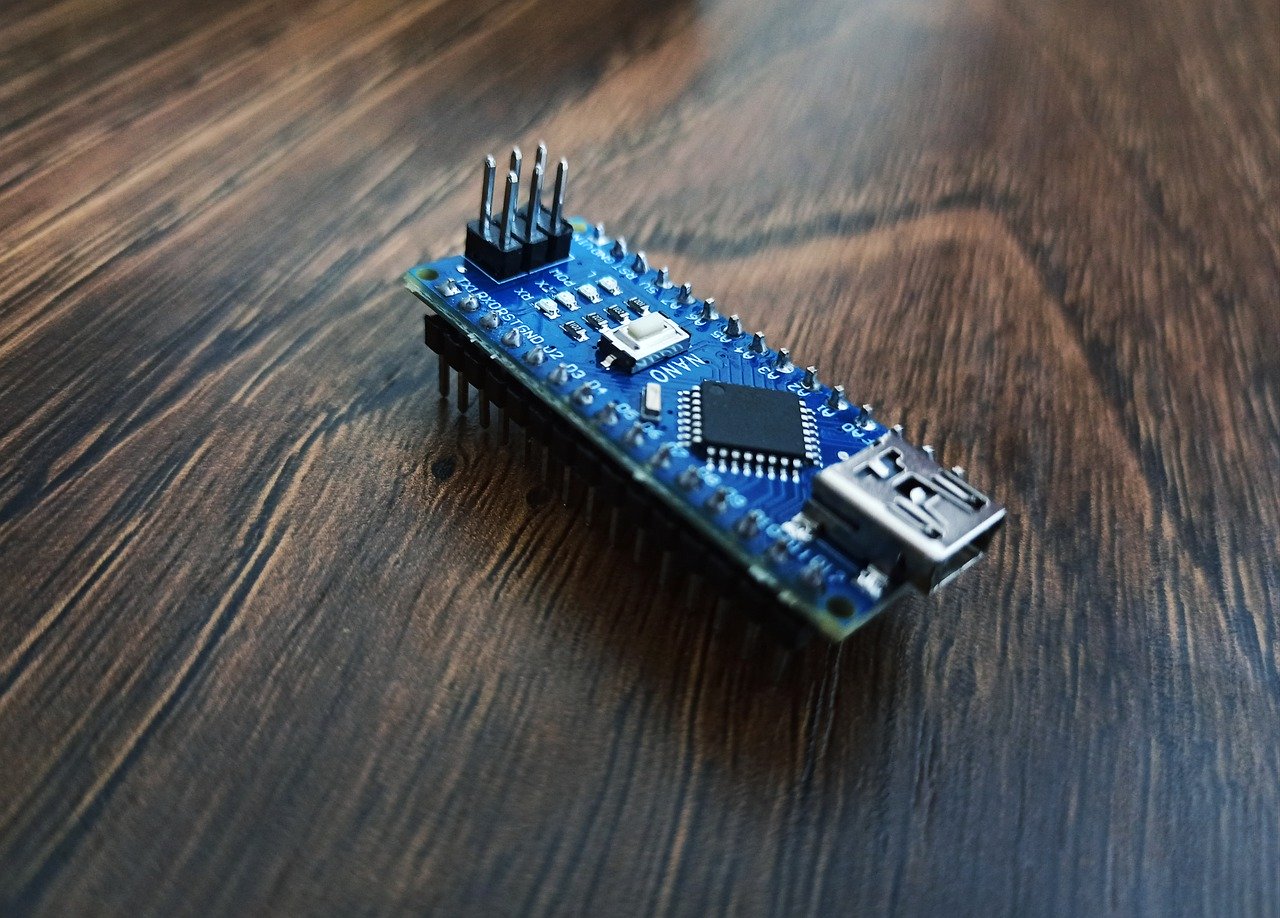
ESP32をDHCPサーバーとして動作させるためのサンプルコードを以下に示します。このコードは、ESP32を使用してDHCPサーバーを設定し、接続されたデバイスにIPアドレスを割り当てる方法を示しています。
#include <WiFi.h>
#include <lwip/apps/dhcpserver.h>
const char* ssid = "your_SSID";
const char* password = "your_PASSWORD";
void setup() {
Serial.begin(115200);
 WiFi.softAP(ssid, password);
 Serial.println("WiFi Access Point started");
 // DHCPサーバー設定
dhcp_start(&dhcpif);
dhcp_set_option(&dhcpif, DHCP_OPTION_SUBNET_MASK, (uint8_t*)"\x00\x00\x00\x00"); dhcp_set_option(&dhcpif, DHCP_OPTION_ROUTER, (uint8_t*)"\x00\x00\x00\x00"); dhcp_set_option(&dhcpif, DHCP_OPTION_DNS_SERVER, (uint8_t*)"\x00\x00\x00\x00"); dhcp_set_option(&dhcpif, DHCP_OPTION_LEASE_TIME, (uint8_t*)"\x00\x00\x00\x00"); } void loop()
{ // DHCPサーバーのループ処理
dhcpif.dhcp_poll();
}このコードでは、ESP32をWiFiアクセスポイントとして設定し、DHCPサーバーを開始しています。dhcp_set_option関数を使用して、サブネットマスク、ルーター、DNSサーバー、リースタイムなどのオプションを設定しています。
コメント