

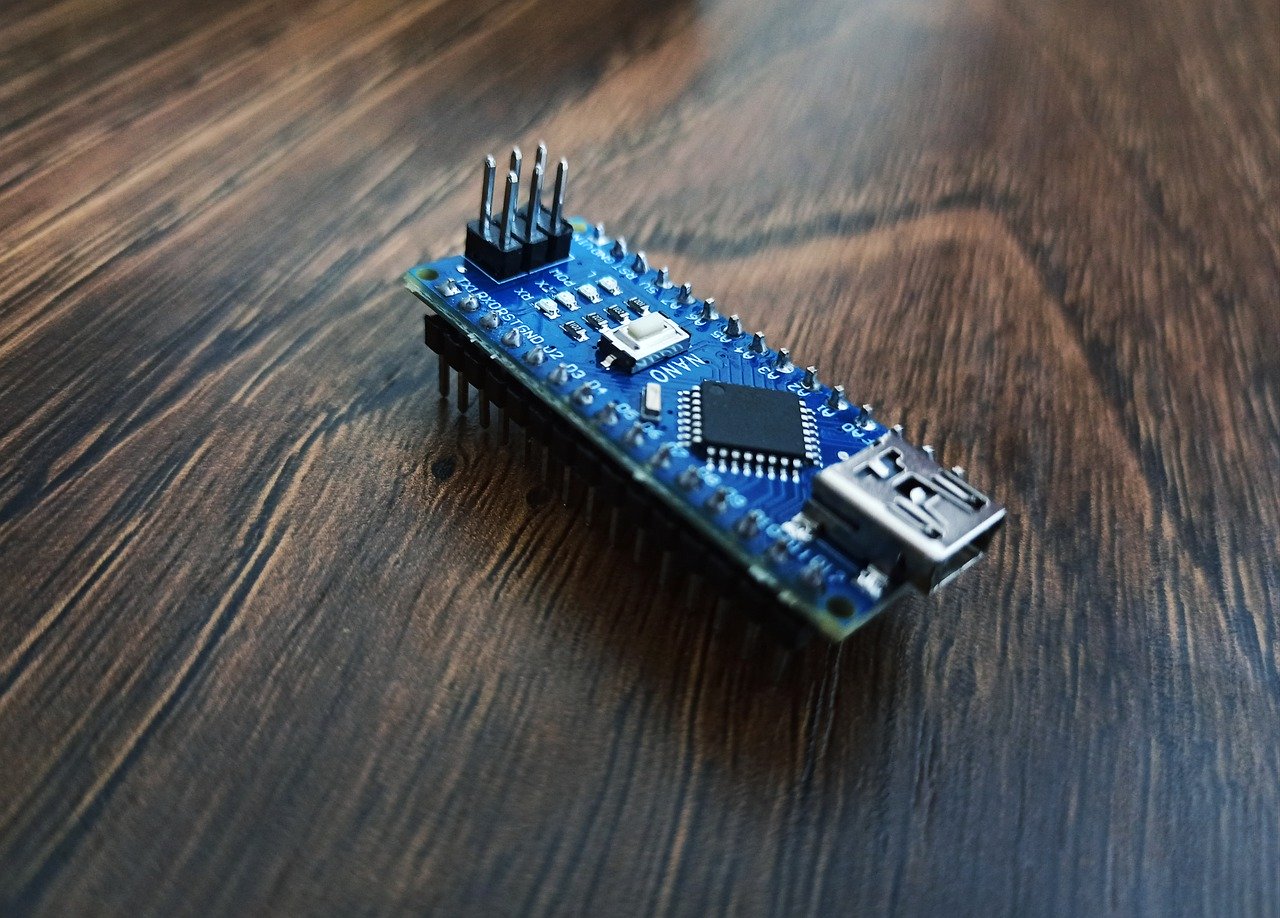
顧客先でローカルネットワークシステムのデモを実施するときに、システムをネットワーク接続しなければいけないことが発生する。
M5STACKをWiFiアクセスポイントにして、デモシステムで簡単にネットワーク構築が行えるようにする。
構成
プロジェクト名:M5-Wifi-Router
デバイス:M5STACK
プログラム
//********************************************************
// Project :Wifiアクセスポイントテストプログラム
// Device  : M5Stack-Core-ESP32
// Tool    : "ツール"→"pertition scheme"→"no OTA"
// Created :2024.03.14
// Update  :2024.03.14
// Display :320 x 240ピクセル
//********************************************************
//========================================================
//ライブラリを追加
//========================================================
#define DEBUG_MODE
//--------------------------------------------------------
//ユーザーフォント用
//--------------------------------------------------------
//M5FontRenderの中でinckudeされているので読み込んではいけない
//#include "M5Core2.h"
//#include <M5Stack.h>
//#include "binaryttf.h"
#include "M5FontRender.h" // Include after M5Stack.h / M5Core2.h
//--------------------------------------------------------
//ネットワーク
//--------------------------------------------------------
#include <WiFi.h>
#include <WiFiClient.h>
#include <WiFiAP.h>
//========================================================
//変数
//========================================================
//--------------------------------------------------------
// システム
//--------------------------------------------------------
bool SD_Exitst=false;

//--------------------------------------------------------
//font
//--------------------------------------------------------
M5FontRender render;
//--------------------------------------------------------
//ネットワーク
//--------------------------------------------------------
const char ssid[] = "faithit_wifi";
const char pass[] = "pass1234";
const IPAddress ip(192,168,10,1);
const IPAddress subnet(255,255,255,0);
IPAddress myIP;
//========================================================
// アクセスポイント設定
//========================================================
void setup_wifi() {
   WiFi.softAP(ssid,pass);
    delay(100);
    WiFi.softAPConfig(ip,ip,subnet);
    myIP = WiFi.softAPIP();
    #ifdef DEBUG_MODE
      Serial.print('.');
    #endif
    M5.Lcd.print("AP IP address: ");
    M5.Lcd.println(myIP);
}

//========================================================
//  初期化処理
//========================================================
void setup() {
  //--------------------------------------------------------
  //  M5STACK初期化
  //--------------------------------------------------------
  // put your setup code here, to run once:
  M5.begin();
  M5.Lcd.fillScreen(BLACK);

  setup_wifi();
  //--------------------------------------------------------
  //SDファイルチェック
  // 本システムではSDカードが挿入されていることを必須とする。
  //--------------------------------------------------------
  // M5.Lcd.fillScreen(BLACK);
  M5.Lcd.setTextFont(2);
  if (!SD.begin()) // SDカードと通信できるか確認
  {
    M5.Lcd.fillScreen(BLACK);
    M5.Lcd.println("SD Card is not installed.\n"); //通信できなければエラーを表示
    M5.Lcd.println("please confirm."); //通信できなければエラーを表示
    while (1)
      ;
  }else{
    M5.Lcd.println("SD Card Exist.\n"); //通信できなければエラーを表示
    SD_Exitst=true;
    //--------------------------------------------------------
    //画面初期化
    //--------------------------------------------------------
    M5.Lcd.fillScreen(BLACK);
    //FontFile notexist
    if (!render.loadFont("/ombre.ttf")) {
      #ifdef DEBUG_MODE
      Serial.println("FontFile notexist");
      #endif
      M5.Lcd.setTextSize(3);
      M5.Lcd.setTextColor(ORANGE, BLACK);
      M5.Lcd.println("FontFile Not Exist.");
      while (1)
        ;
    }else{
      #ifdef DEBUG_MODE
      Serial.println("Render initialize OK");
      #endif
      render.setTextColor(WHITE);
      render.setTextSize(16);
      //タイトル
      render.setTextSize(24);
      render.setTextColor(GREEN);
      render.setCursor(65, 20);

      render.printf("Wifi Router Demo\n");
      //Infomation
      render.setTextSize(20);
      render.setTextColor(WHITE);
      render.setCursor(30, 100);

      myIP = WiFi.softAPIP();
      String str= String(myIP[0])+'.'+String(myIP[1])+'.'+String(myIP[2])+'.'+String(myIP[3]); //ルーターのローカルIPアドレスを自動取得
      render.printf("IP:%s\n",str);
      render.setCursor(30, 140);
      render.printf("ID=faithit_wifi");
      render.setCursor(30, 180);
      render.printf("Pass=pass1234");
    }
  }

}

void loop() {
    // put your main code here, to run repeatedly:
}
コメント