
海外のエンジニアやGitHub、検索エンジン(Google等)からの流入を想定し、自然で読みやすい英語表現に翻訳・最適化しています。WordPressの海外向け(英語)ブログやQiita、Mediumなどにそのまま貼り付けてご活用いただけます。
【Android】How to Connect to MQTT in Android Java and Handle Auto-Reconnect on Failure
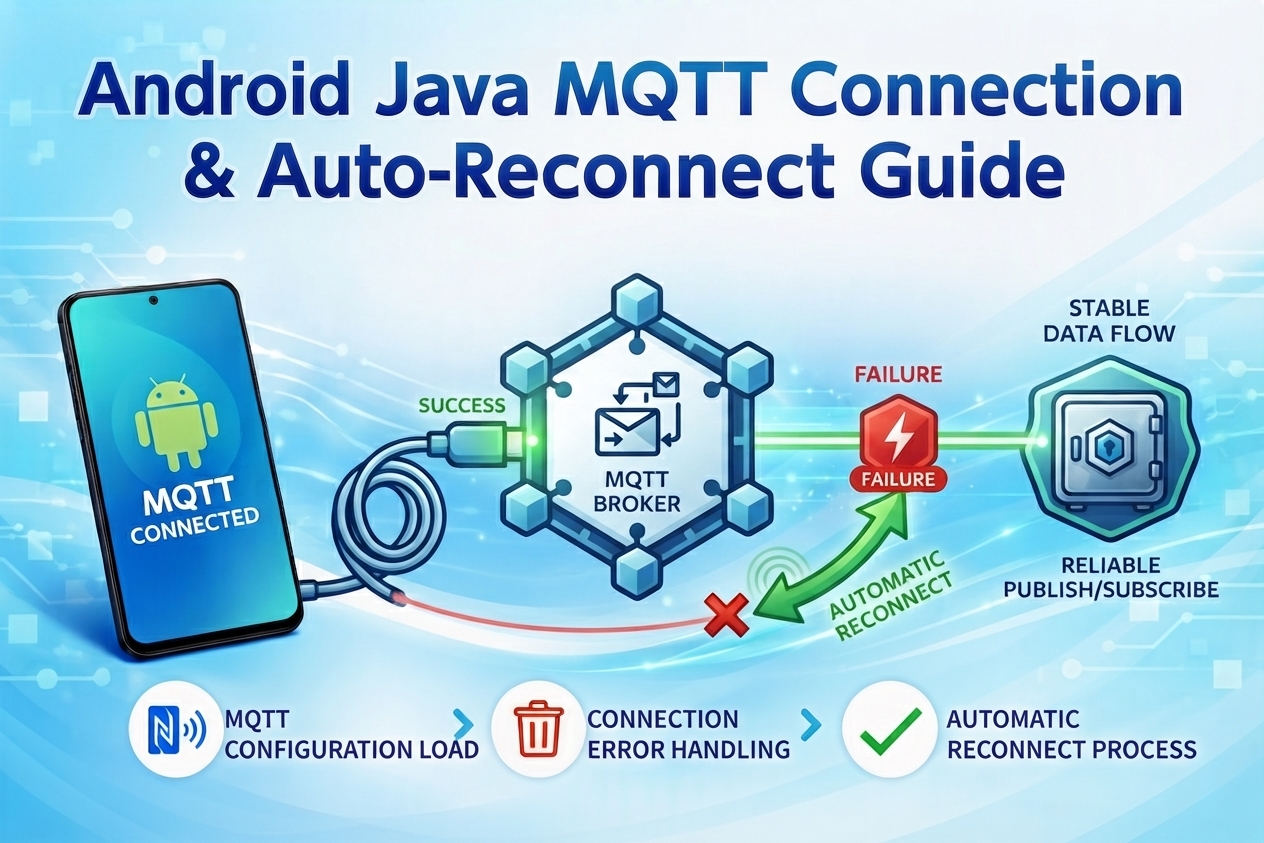
In this article, we will introduce a sample code for connecting to MQTT using Java on Android and implementing automatic reconnection when the connection fails. We use the standard Eclipse Paho Library for this implementation.
1. Add Gradle Dependencies
Add the following dependencies to your build.gradle (Module: app) file:
Gradle
dependencies {
    implementation 'org.eclipse.paho:org.eclipse.paho.client.mqttv3:1.2.5'
    implementation 'org.eclipse.paho:org.eclipse.paho.android.service:1.1.1'
}
Note: Depending on your project configuration, you may need to add the Eclipse Paho Maven repository to your settings.gradle file.
2. Configure AndroidManifest.xml
To perform MQTT network operations, add internet permissions and the background service to your AndroidManifest.xml:
XML
<uses-permission android:name="android.permission.INTERNET" />
<uses-permission android:name="android.permission.ACCESS_NETWORK_STATE" />
<uses-permission android:name="android.permission.WAKE_LOCK" />

<application ...>
    <!-- Eclipse Paho Background Service Configuration -->
    <service android:name="org.eclipse.paho.android.service.MqttService" />
</application>
3. Create the MQTT Helper Class (MqttHelper.java)
Create a helper class to manage MQTT connections, automatic reconnections, and topic subscriptions.
Java
import org.eclipse.paho.client.mqttv3.IMqttActionListener;
import org.eclipse.paho.client.mqttv3.IMqttToken;
import org.eclipse.paho.client.mqttv3.MqttCallbackExtended;
import org.eclipse.paho.client.mqttv3.MqttClient;
import org.eclipse.paho.client.mqttv3.MqttConnectOptions;
import org.eclipse.paho.client.mqttv3.MqttException;
import org.eclipse.paho.client.mqttv3.MqttMessage;
import org.eclipse.paho.android.service.MqttAndroidClient;

import android.content.Context;
import android.util.Log;

public class MqttHelper {

    private MqttAndroidClient mqttAndroidClient;

    // *Note: This is a public test broker. For production, use your own broker or TLS/SSL connection.
    private final String serverUri = "tcp://broker.hivemq.com:1883";
    private final String clientId = MqttClient.generateClientId();
    private final String subscriptionTopic = "exampleTopic";
    private final String username = "yourUsername";
    private final String password = "yourPassword";

    public MqttHelper(Context context) {
        mqttAndroidClient = new MqttAndroidClient(context, serverUri, clientId);
        mqttAndroidClient.setCallback(new MqttCallbackExtended() {
            @Override
            public void connectComplete(boolean reconnect, String serverURI) {
                Log.d("MqttHelper", "Connected to: " + serverURI);
            }

            @Override
            public void connectionLost(Throwable cause) {
                Log.d("MqttHelper", "Connection lost, attempting to reconnect...");
                reconnect();
            }

            @Override
            public void messageArrived(String topic, MqttMessage message) throws Exception {
                Log.d("MqttHelper", "Message received: " + new String(message.getPayload()));
            }

            @Override
            public void deliveryComplete(IMqttDeliveryToken token) {
            }
        });

        connect();
    }

    private void connect() {
        try {
            MqttConnectOptions mqttConnectOptions = new MqttConnectOptions();
            mqttConnectOptions.setAutomaticReconnect(true);
            mqttConnectOptions.setCleanSession(false);
            mqttConnectOptions.setUserName(username);
            mqttConnectOptions.setPassword(password.toCharArray());

            mqttAndroidClient.connect(mqttConnectOptions, null, new IMqttActionListener() {
                @Override
                public void onSuccess(IMqttToken asyncActionToken) {
                    Log.d("MqttHelper", "Connected successfully.");
                    subscribeToTopic();
                }

                @Override
                public void onFailure(IMqttToken asyncActionToken, Throwable exception) {
                    Log.d("MqttHelper", "Failed to connect: " + exception.toString());
                    reconnect();
                }
            });
        } catch (MqttException ex) {
            ex.printStackTrace();
        }
    }

    private void subscribeToTopic() {
        try {
            mqttAndroidClient.subscribe(subscriptionTopic, 0, null, new IMqttActionListener() {
                @Override
                public void onSuccess(IMqttToken asyncActionToken) {
                    Log.d("MqttHelper", "Subscribed to topic: " + subscriptionTopic);
                }

                @Override
                public void onFailure(IMqttToken asyncActionToken, Throwable exception) {
                    Log.d("MqttHelper", "Failed to subscribe: " + exception.toString());
                }
            });
        } catch (MqttException ex) {
            ex.printStackTrace();
        }
    }

    private void reconnect() {
        try {
            mqttAndroidClient.connect(null, new IMqttActionListener() {
                @Override
                public and onSuccess(IMqttToken asyncActionToken) {
                    Log.d("MqttHelper", "Reconnected successfully.");
                    subscribeToTopic();
                }

                @Override
                public void onFailure(IMqttToken asyncActionToken, Throwable exception) {
                    Log.d("MqttHelper", "Failed to reconnect: " + exception.toString());
                }
            });
        } catch (MqttException ex) {
            ex.printStackTrace();
        }
    }
}
4. Using in MainActivity
Finally, initialize and start the MQTT connection from your MainActivity.
Java
import android.os.Bundle;
import androidx.appcompat.app.AppCompatActivity;

public class MainActivity extends AppCompatActivity {

    private MqttHelper mqttHelper;

    @Override
    protected void onCreate(Bundle savedInstanceState) {
        super.onCreate(savedInstanceState);
        setContentView(R.layout.activity_main);

        // Initialize MqttHelper and start automatic connection
        mqttHelper = new MqttHelper(this);
    }
}
Conclusion
In this sample code, we implemented a robust mechanism to connect to an MQTT broker from an Android app and automatically handle reconnections when network connectivity is lost.
By utilizing the Eclipse Paho library, stable MQTT operations in the background can be achieved very simply. Give it a try!


コメント