
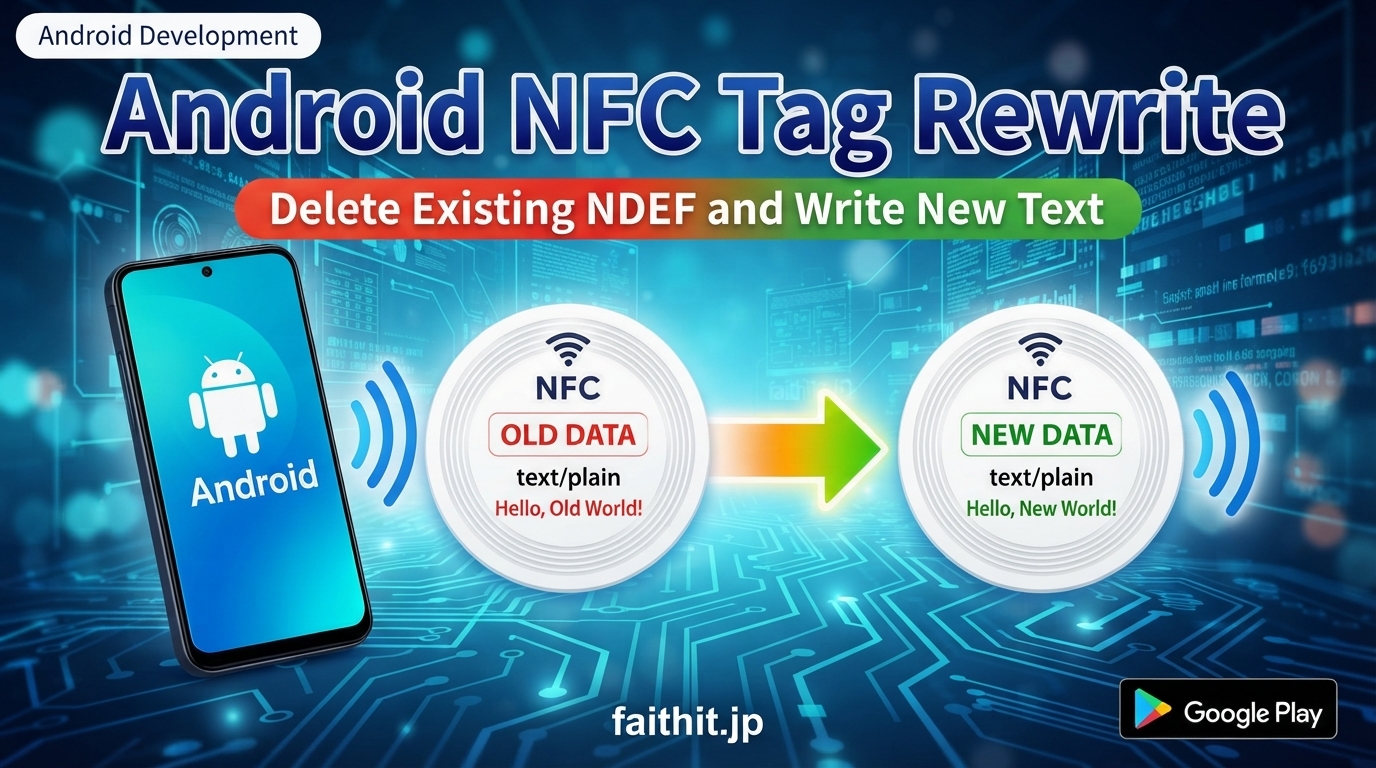
Android developers often face an issue where existing NDEF data remains on an NFC tag, preventing new data from being written correctly. This article explains how to delete old NDEF records and write new text data safely using NdefFormatable and Ndef.
This guide covers:
- How to remove existing NDEF data
- How to write a new Text record
- How to check write permissions
- How to verify the written data
- Common mistakes and how to avoid them
All code examples are based on your verified implementation.
1. Why Existing NDEF Data Remains on NFC Tags
Some NFC tags append new NDEF records instead of overwriting existing ones. This causes:
- Old data remaining on the tag
- New data not appearing
- Multiple records returned when reading
To avoid this, you must format or overwrite the tag properly.
2. How to Delete Existing NDEF Data (NdefFormatable / Ndef)
✔ If the tag is NDEF‑formatable
java
NdefFormatable formatable = NdefFormatable.get(tag);
if (formatable != null) {
    formatable.format(message);  // Format and write new data
}
✔ If the tag already supports NDEF
java
Ndef ndef = Ndef.get(tag);
ndef.connect();
ndef.writeNdefMessage(message);  // Overwrite existing data
ndef.close();
✔ Always check writability before writing
java
if (!ndef.isWritable()) {
    // Tag is not writable
}
3. Create a New Text Record (UTF‑8)
java
String text = "Hello NFC";
byte[] lang = "en".getBytes(Charset.forName("US-ASCII"));
byte[] textBytes = text.getBytes(Charset.forName("UTF-8"));

byte[] payload = new byte[1 + lang.length + textBytes.length];
payload[0] = (byte) lang.length;

System.arraycopy(lang, 0, payload, 1, lang.length);
System.arraycopy(textBytes, 0, payload, 1 + lang.length, textBytes.length);

NdefRecord record = new NdefRecord(
        NdefRecord.TNF_WELL_KNOWN,
        NdefRecord.RTD_TEXT,
        new byte[0],
        payload
);

NdefMessage message = new NdefMessage(new NdefRecord[]{record});
4. Complete Write Process (Full Code)
java
public void writeTag(Tag tag, String text) {

    NdefMessage message = createTextMessage(text);

    NdefFormatable formatable = NdefFormatable.get(tag);
    if (formatable != null) {
        try {
            formatable.format(message);
            return;
        } catch (Exception e) {
            e.printStackTrace();
        }
    }

    Ndef ndef = Ndef.get(tag);
    if (ndef != null) {
        try {
            ndef.connect();
            if (!ndef.isWritable()) return;
            ndef.writeNdefMessage(message);
            ndef.close();
        } catch (Exception e) {
            e.printStackTrace();
        }
    }
}
5. Common Mistakes and How to Fix Them
● Cannot write to the tag
→ Always check ndef.isWritable() → Some tags are locked and cannot be written
● Old data remains
→ Use NdefFormatable.format() → Formatting is required when multiple records exist
● Japanese text becomes garbled
→ Use UTF‑8 → Set the correct language code in the Text record
6. Summary: Formatting Is the Key to Safe NFC Rewrite
Using the methods in this article, you can:
- Safely delete old NDEF data
- Write new text records correctly
- Check write permissions
- Implement stable NFC write logic for real applications
This is a reliable approach for rewriting NFC tags in Android.

がズレる原因と修正CSS-1264_843-120x68.jpg)
コメント