
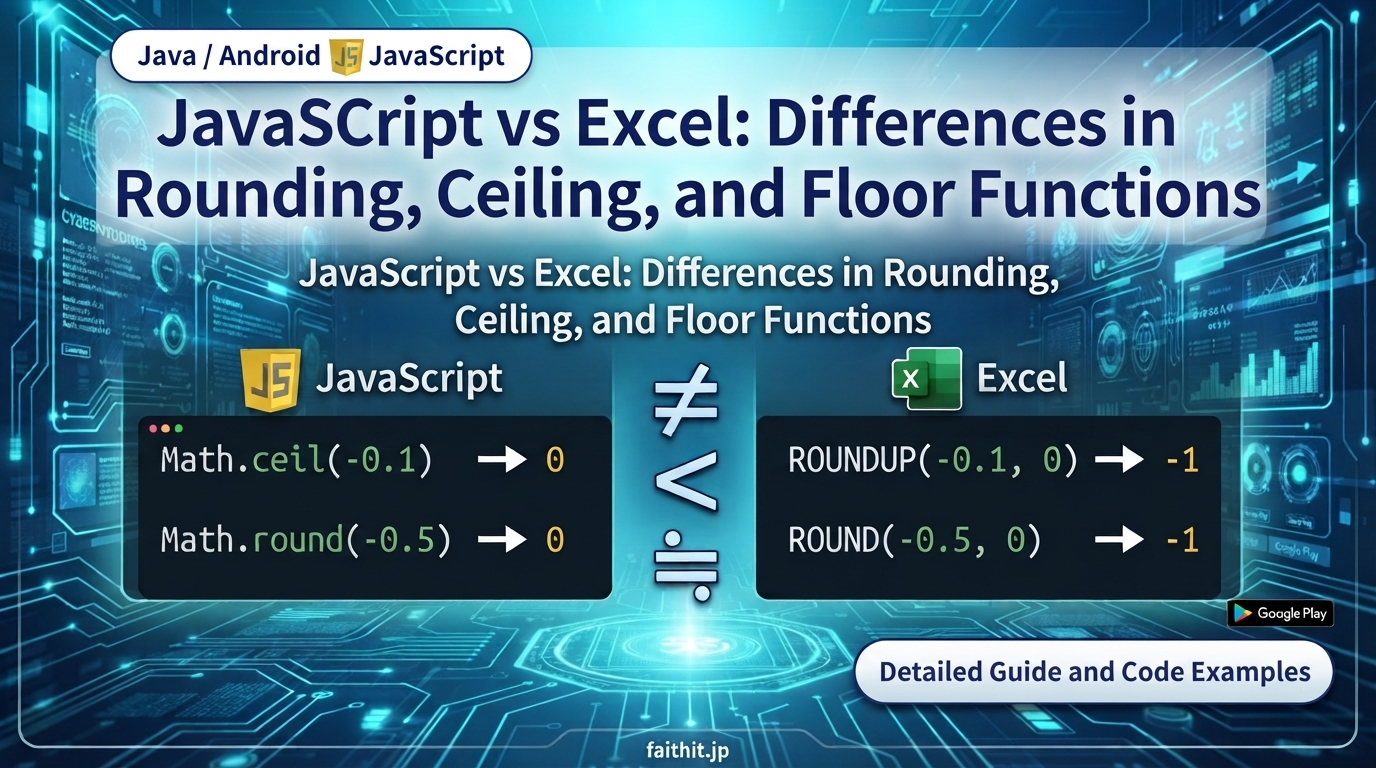
When performing rounding operations, JavaScript and Excel often produce different results, especially for negative numbers. This article compares Math.ceil, Math.floor, and Math.round with Excel’s ROUNDUP, ROUNDDOWN, and ROUND.
JavaScript Rounding Functions
Math.ceil — Round Up
Rounds a number up to the nearest integer.
Math.floor — Round Down
Rounds a number down to the nearest integer.
Math.round — Round to Nearest
Rounds to the nearest integer. For negative values, behavior differs from Excel.
Excel Rounding Functions
ROUNDUP(value, digits)
Always rounds away from zero.
ROUNDDOWN(value, digits)
Always rounds toward zero.
ROUND(value, digits)
Rounds to the nearest integer. Excel uses “round half away from zero,” which differs from JavaScript.
📊 Comparison for Negative Values
The PDF contains the following key examples:
Math.ceil(-0.1) → 0 ROUNDUP(-0.1, 0) → -1 (PDFより引用)
Below is the full English comparison table.
Negative Value Rounding — JavaScript vs Excel
| Operation | JavaScript | Result | Excel | Result |
|---|---|---|---|---|
| Round Up | Math.ceil(-0.1) | 0 | ROUNDUP(-0.1, 0) | -1 |
| Round Down | Math.floor(-0.1) | -1 | ROUNDDOWN(-0.1, 0) | 0 |
| Round | Math.round(-0.1) | 0 | ROUND(-0.1, 0) | 0 |
| Round | Math.round(-0.5) | 0 | ROUND(-0.5, 0) | -1 |
| Round | Math.round(-0.51) | -1 | ROUND(-0.51, 0) | -1 |
🧠 Key Differences
✔ JavaScript Math.ceil and Math.floor follow mathematical rounding rules
ceil→ toward +∞floor→ toward −∞
✔ Excel ROUNDUP / ROUNDDOWN follow absolute-value rules
- ROUNDUP → away from zero
- ROUNDDOWN → toward zero
✔ Excel ROUND uses “round half away from zero”
JavaScript uses “round half to even? No — round half toward +∞ for positive, toward 0 for negative.” This is why Math.round(-0.5) becomes 0, but Excel ROUND(-0.5, 0) becomes -1.


コメント